
Prerequisites & Requirements
- A valid FloCafe <code>.db</code> backup file.
- Owner Master PIN.
Moving to a brand new POS computer is seamless. Install FloCafe on the new machine and restore your backup file to resume right where you left off.
Architecture & Workflow Diagram

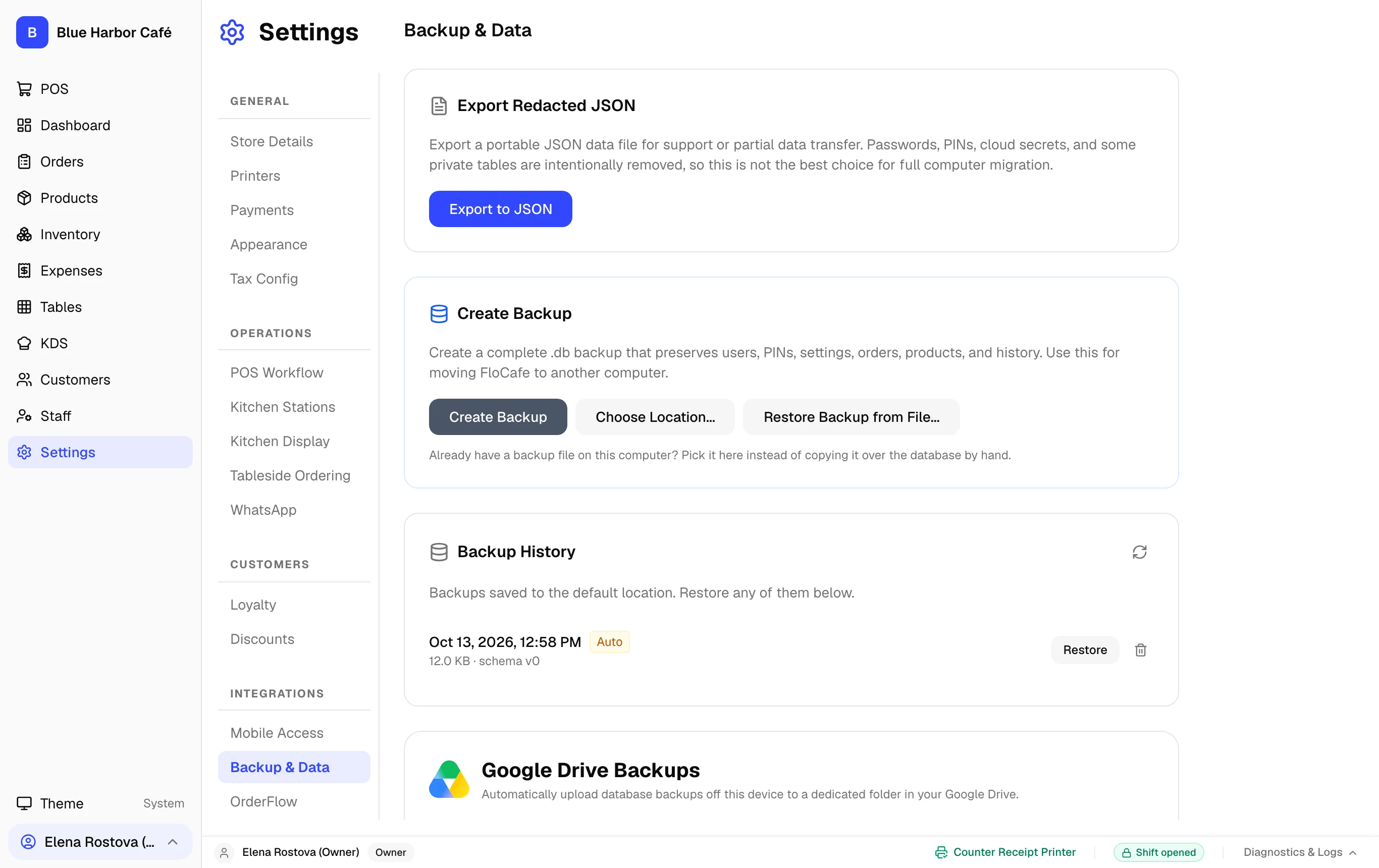
Step-by-Step Walkthrough
Follow these instructions in sequence to complete the setup:
1
Install FloCafe on New Computer
Install the latest FloCafe release on the new computer following the installation guide.
Restores Overwrite Current State
Restoring a database replaces all records currently on the machine. Always create a backup of the current database before running a restore.