Prerequisites & Requirements
- Table service enabled in Settings.
- At least one table configured on the floor plan.
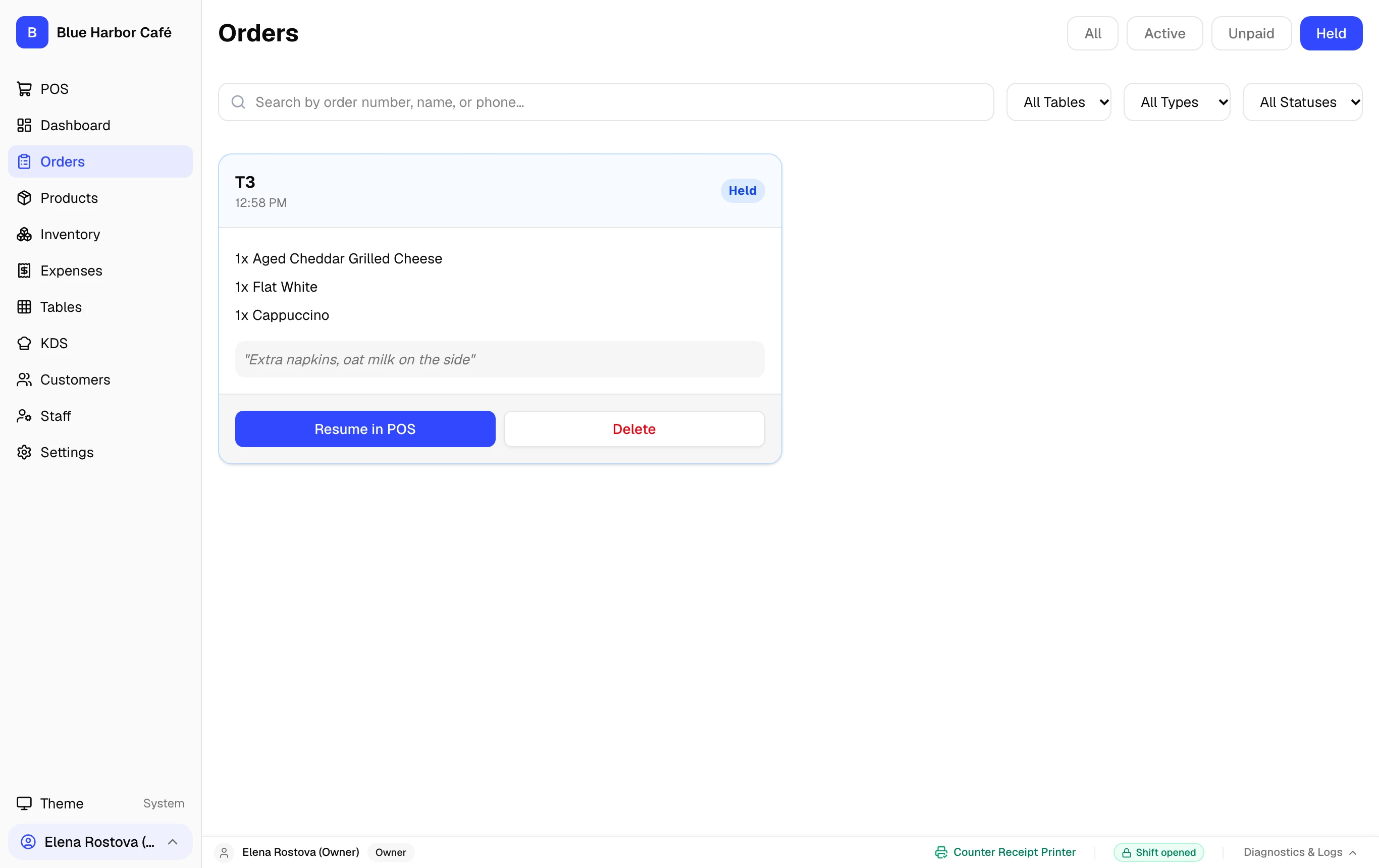
FloCafe held orders (held_orders) are exclusively designed for dine-in table service where orders remain open while guests dine, and payment is collected after meal completion. Quick service / counter orders are paid immediately at the register.
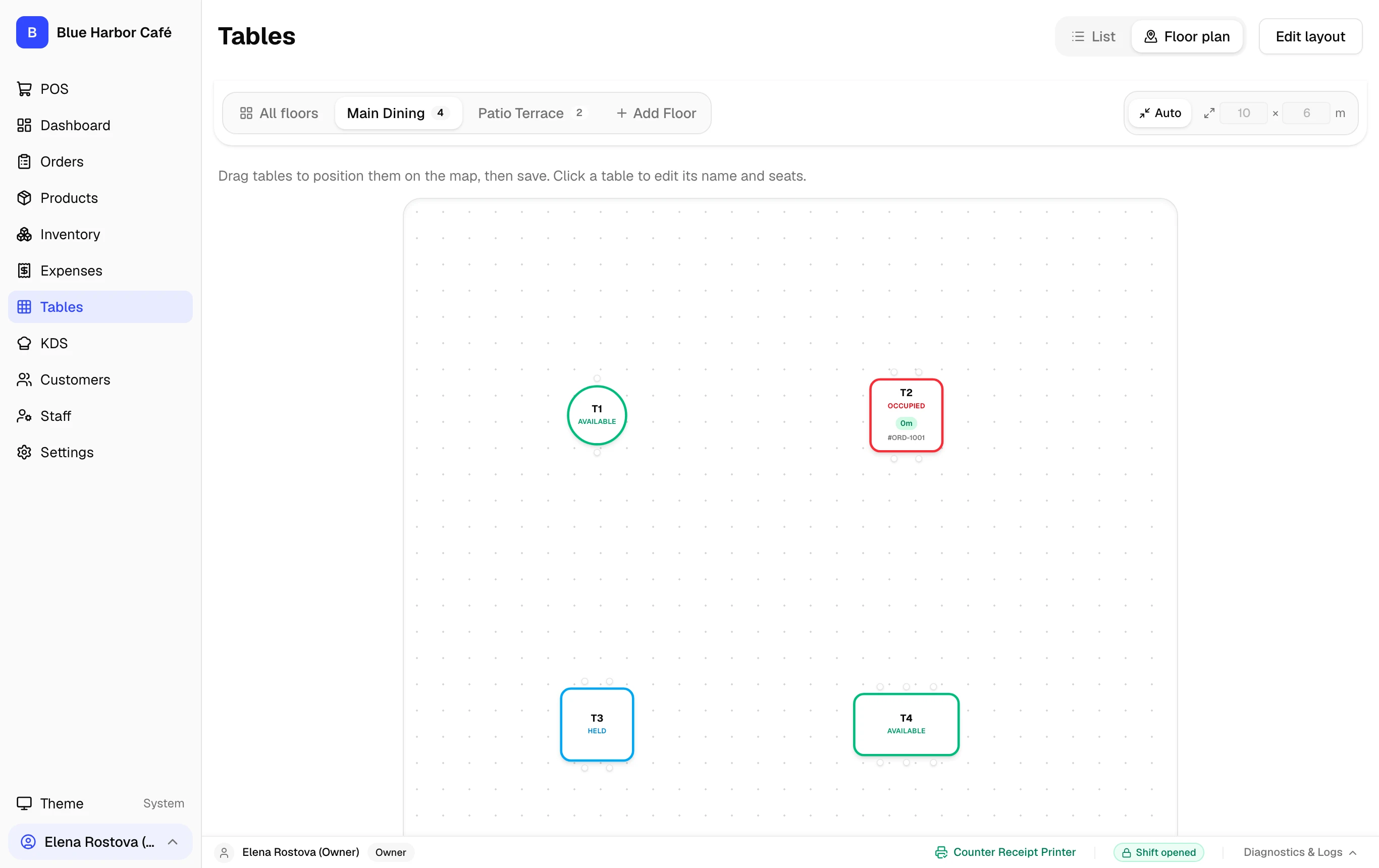
Table-Service Held Orders Invariant
In FloCafe, orders are placed in the "held" state exclusively when assigned to a physical dining table. This keeps the ticket active on the KDS and floor plan without tying up the cashier register.
- Table Orders: Selecting a table and pressing Send to Kitchen saves the held order to SQLite and routes tickets to station printers or KDS screens.
- Quick-Service Counter Orders: Counter orders do not support holding; payment must be processed immediately via Cash, Card, or Split Payment to maintain audit integrity.
- Order Recall: Tapping any occupied table on the Floor Plan instantly reopens the held cart for adding items, printing an interim guest check, or settling final payment.
Step-by-Step Walkthrough
Follow these instructions in sequence to complete the setup:
1
Select Table on Floor Plan
Navigate to Tables or tap the Table selector in the POS. Select an available dining table (e.g. Table 4).