
Prerequisites & Requirements
- Signed in with Owner or Manager role.
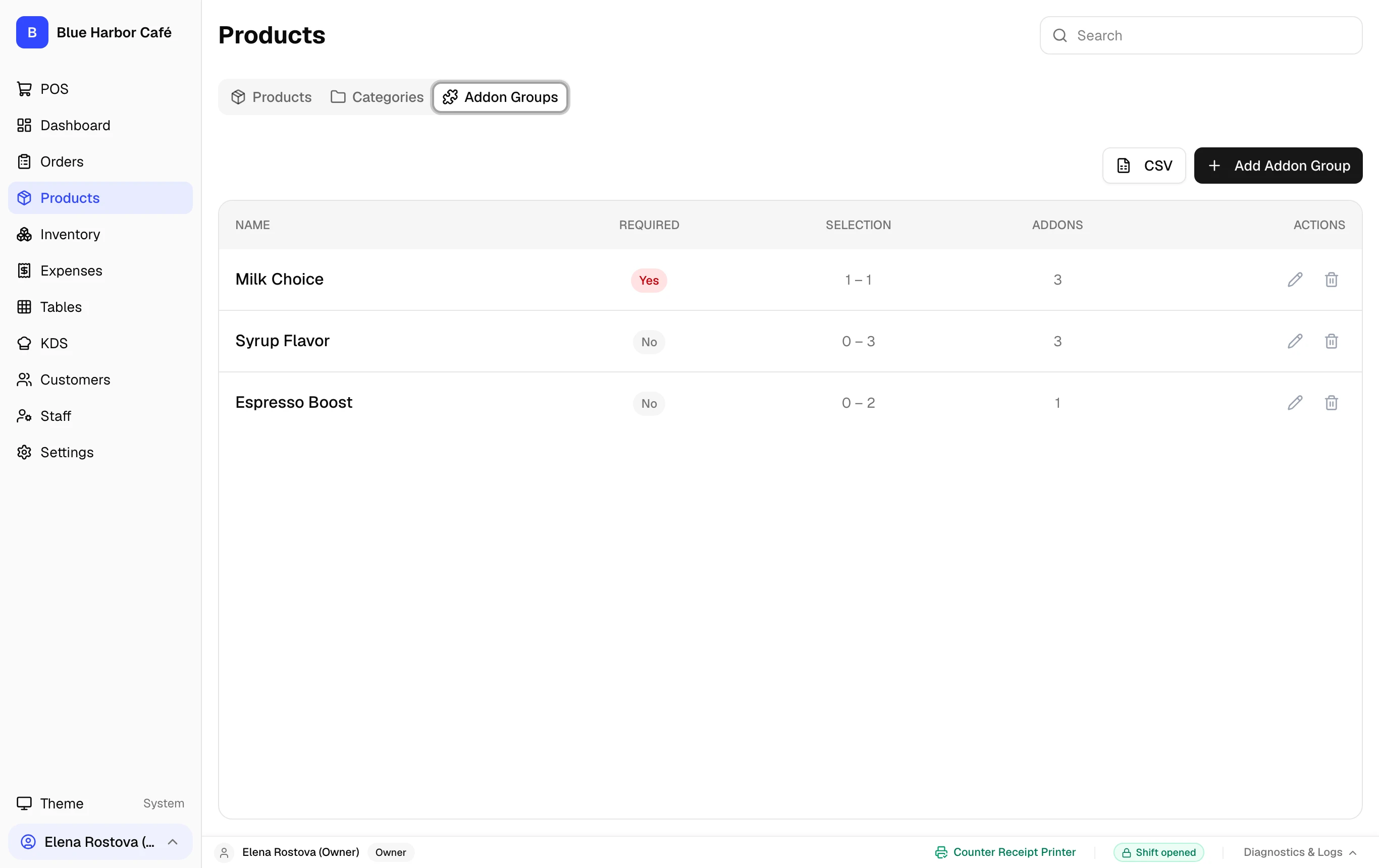
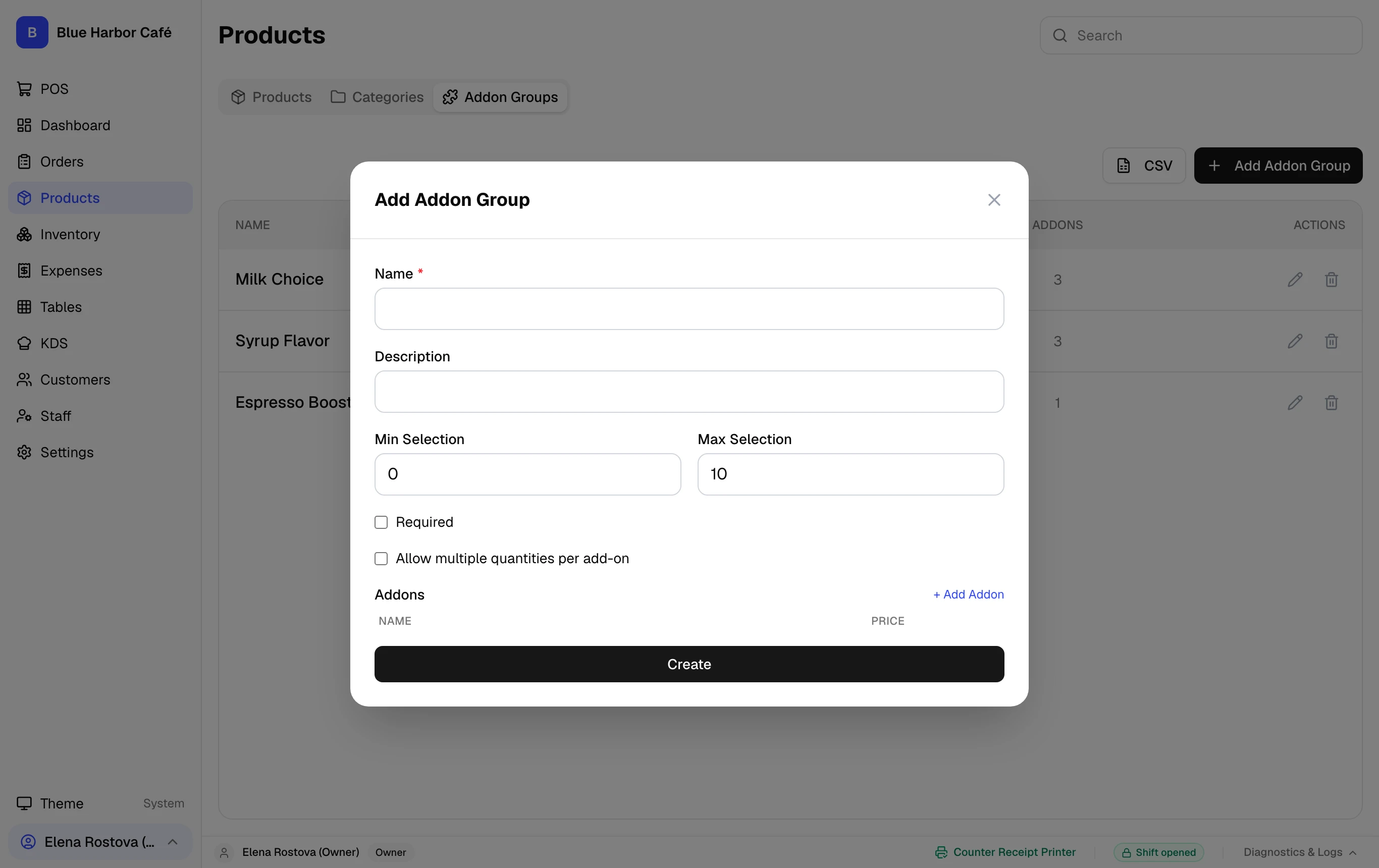
Add-on groups allow customers to customize menu items (e.g. Oat Milk, Extra Espresso Shot, Caramel Syrup). Manage modifier groups under the Addon Groups tab on the Products page.
Accessing Add-on Groups
Add-on groups are accessed by navigating to Products in the main navigation and selecting the Addon Groups tab (not a standalone URL). From here you can create modifier sets, define min/max selection rules, and assign extra charges.
Step-by-Step Walkthrough
Follow these instructions in sequence to complete the setup:
1
Open Products > Addon Groups
In the left sidebar, click Products, then select the Addon Groups tab.
Kitchen Routing of Modifiers
Selected modifiers print clearly indented under the parent item on KDS tickets and kitchen paper slips.