
Prerequisites & Requirements
- A computer running Windows 10/11 (64-bit), macOS 12+ (Apple Silicon or Intel), or modern Linux.
- At least 4 GB RAM and 500 MB free disk space.
- A local network router or WiFi access point if using secondary screens or printers.
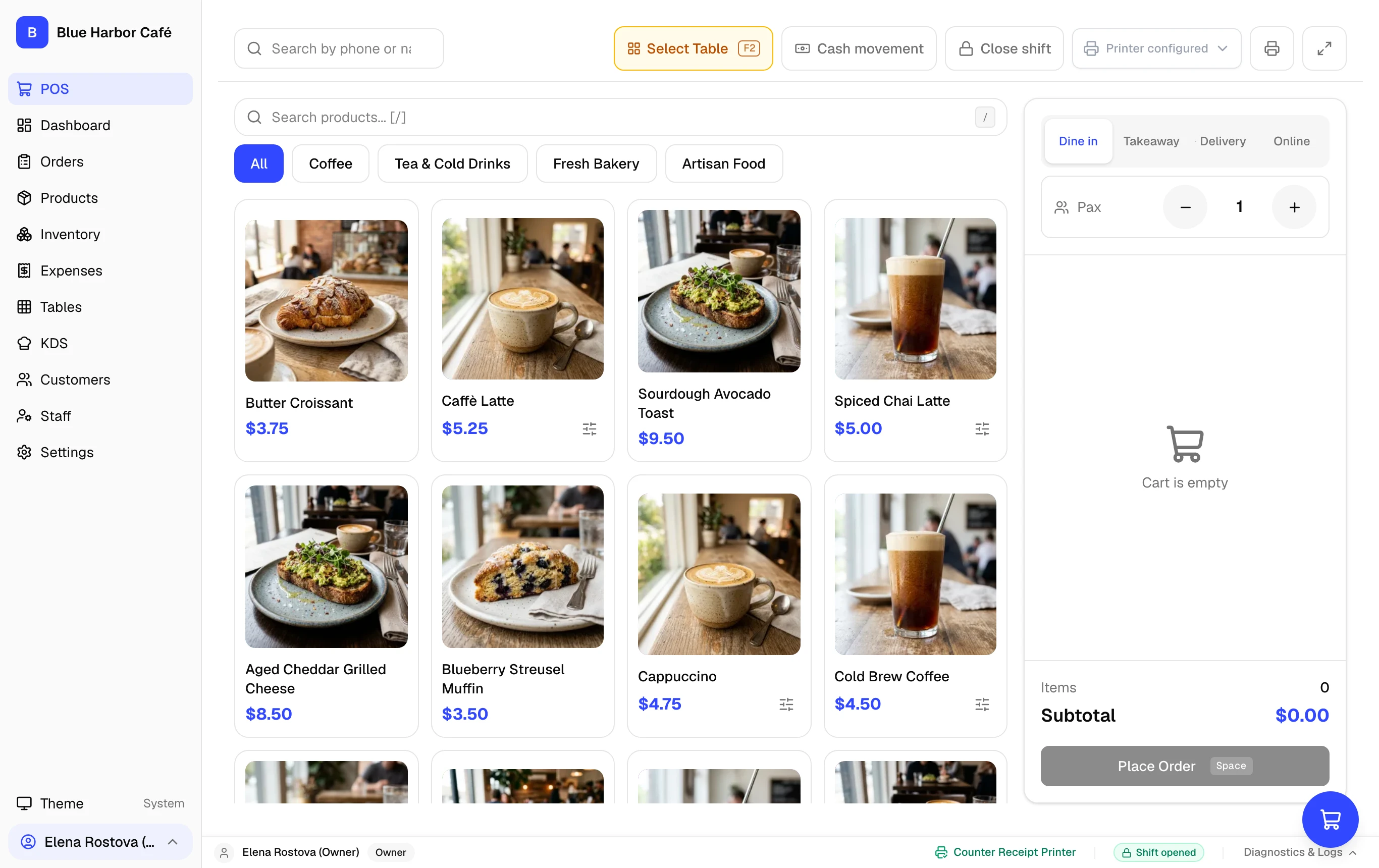
FloCafe is a professional, open-source, offline-first point of sale designed for cafés, bakeries, quick-service restaurants, and fine dining establishments. Unlike cloud-only POS systems, FloCafe stores all transactions, inventory, and customer records locally in SQLite on your device.
Architecture & Workflow Diagram

Core Operating Invariants
FloCafe operates on fundamental principles designed to guarantee restaurant continuity during busy service:
- Offline-First Operation: Taking orders, printing receipts, updating KDS tickets, and closing shifts work with zero internet connectivity. Internet is only required for optional cloud features like Google Drive backups or WhatsApp messaging.
- Backend Authority: All financial calculations, taxes, discounts, and permissions are enforced by the local Express server (:3001).
- No Ownership Gating: Staff members with appropriate role permissions can view and update any order in service, preventing bottlenecks if a waiter takes a break.
- Data Safety: Customer records, transaction history, and stock logs persist across version upgrades.
Supported Hardware
FloCafe supports standard commercial POS hardware:
- Thermal Receipt Printers: 58mm and 80mm ESC/POS printers via USB, Ethernet LAN, or WiFi.
- Cash Drawers: Standard RJ11/RJ12 drawer connected through the thermal receipt printer with automated pulse.
- Barcode Scanners: USB HID and wireless barcode scanners for instant product lookup.
- Secondary Displays: Kitchen Display System (port 3002) and Customer Facing Status Display (port 3001/customer-display) on tablets or HDMI monitors.
Zero Cloud Lock-In
Your financial data is stored locally in an open SQLite database. You retain 100% ownership of your business records without monthly subscription lock-in.