
Prerequisites & Requirements
- Second monitor or TV connected to host PC or local network tablet.
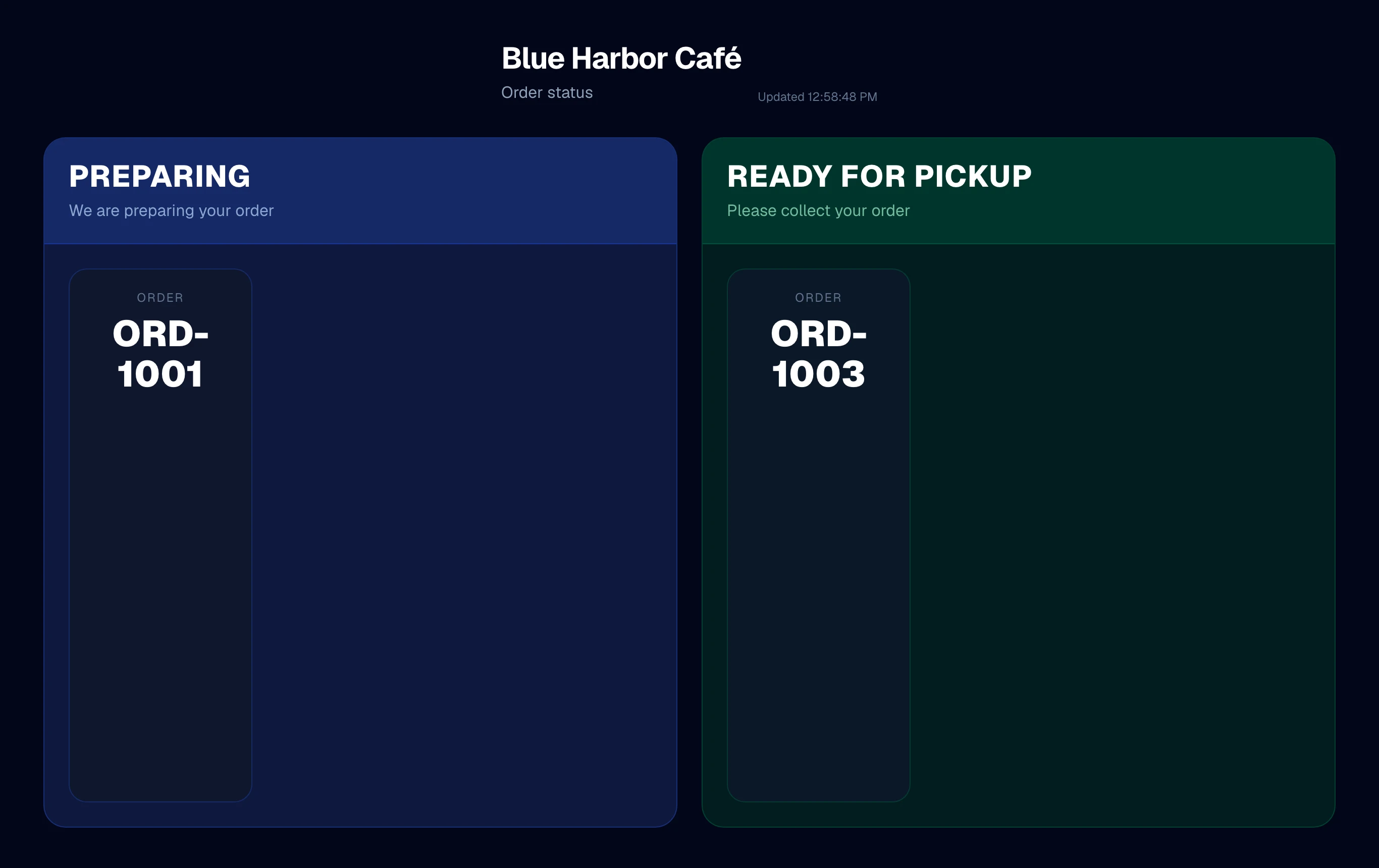
FloCafe provides a built-in Customer Display board at http://localhost:3001/customer-display. It displays bold order numbers so customers know when their coffee is ready.
Step-by-Step Walkthrough
Follow these instructions in sequence to complete the setup:
1
Open Customer Display URL
On a secondary HDMI monitor or counter tablet, navigate to
http://192.168.1.100:3001/customer-display.