
Prerequisites & Requirements
- Floor plan configured.
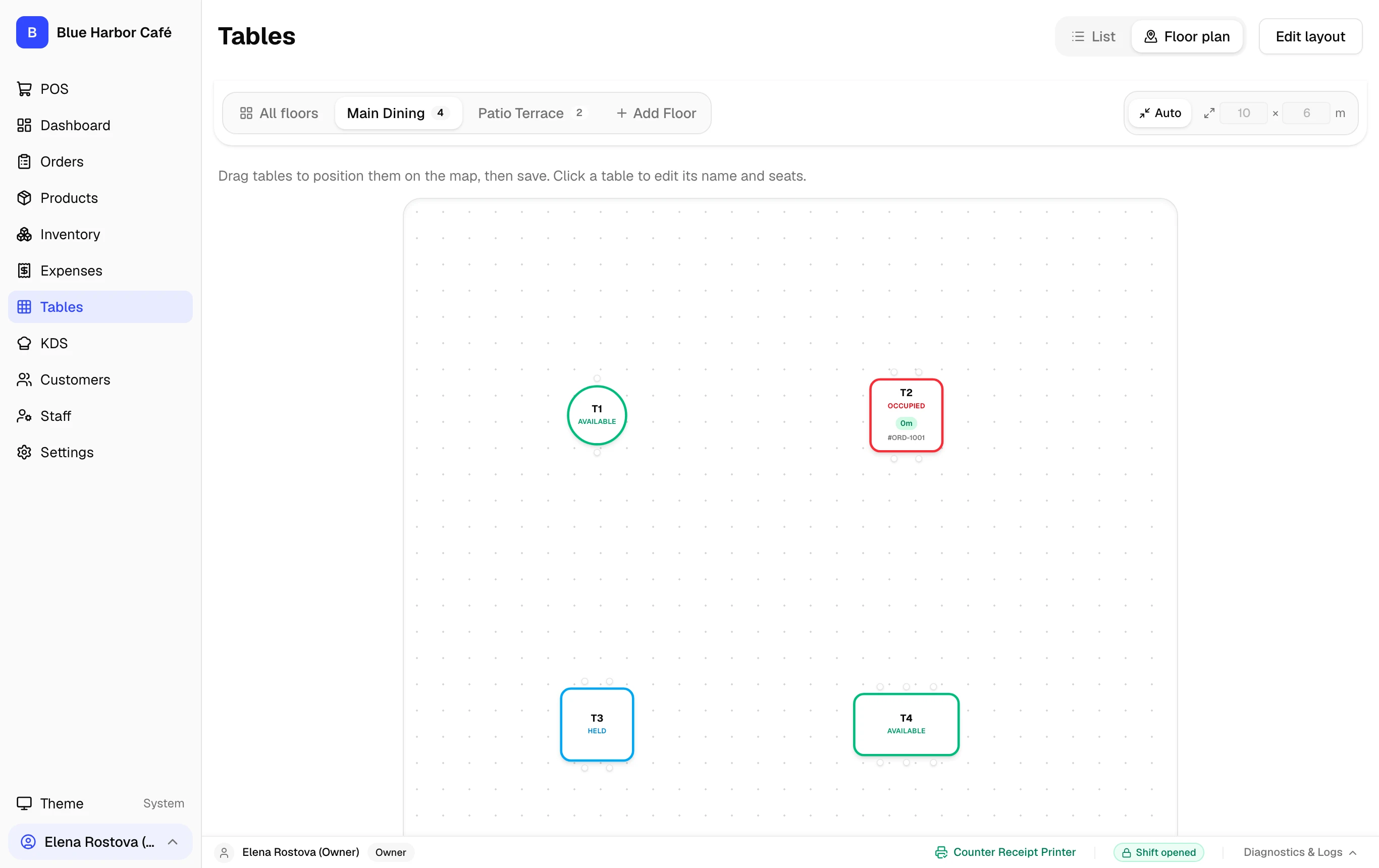
Tables transition through visual color-coded statuses (Available, Occupied, Billed) so front-of-house staff always know table states at a glance.
Step-by-Step Walkthrough
Follow these instructions in sequence to complete the setup:
1
Select Table and Enter Guest Count
On the Tables screen or POS, tap an available table (e.g. T2). Enter the number of guests (e.g. 2 guests).