
Prerequisites & Requirements
- Signed in with Owner or Manager role.
Organize your menu into clean, color-coded categories (e.g. Coffee, Cold Drinks, Bakery, Food) to streamline order entry during rush hours.
Category Form Fields
When creating or editing a category under Products > Categories > Add Category, the form includes:
- Name: Category title displayed on POS tabs (e.g. Hot Coffee).
- Description: Internal notes or menu description.
- Color: Custom hex color badge for rapid visual recognition on the order screen.
- Add-on Groups: Modifier groups (e.g. Milk Choice, Syrup Options) available by default for items in this category.
- Active Toggle: Enable or disable category visibility on the register.
Note: Kitchen station routing is not configured in this modal; station assignments are configured under Settings > Kitchen Stations.
Step-by-Step Walkthrough
Follow these instructions in sequence to complete the setup:
1
Open Products Management
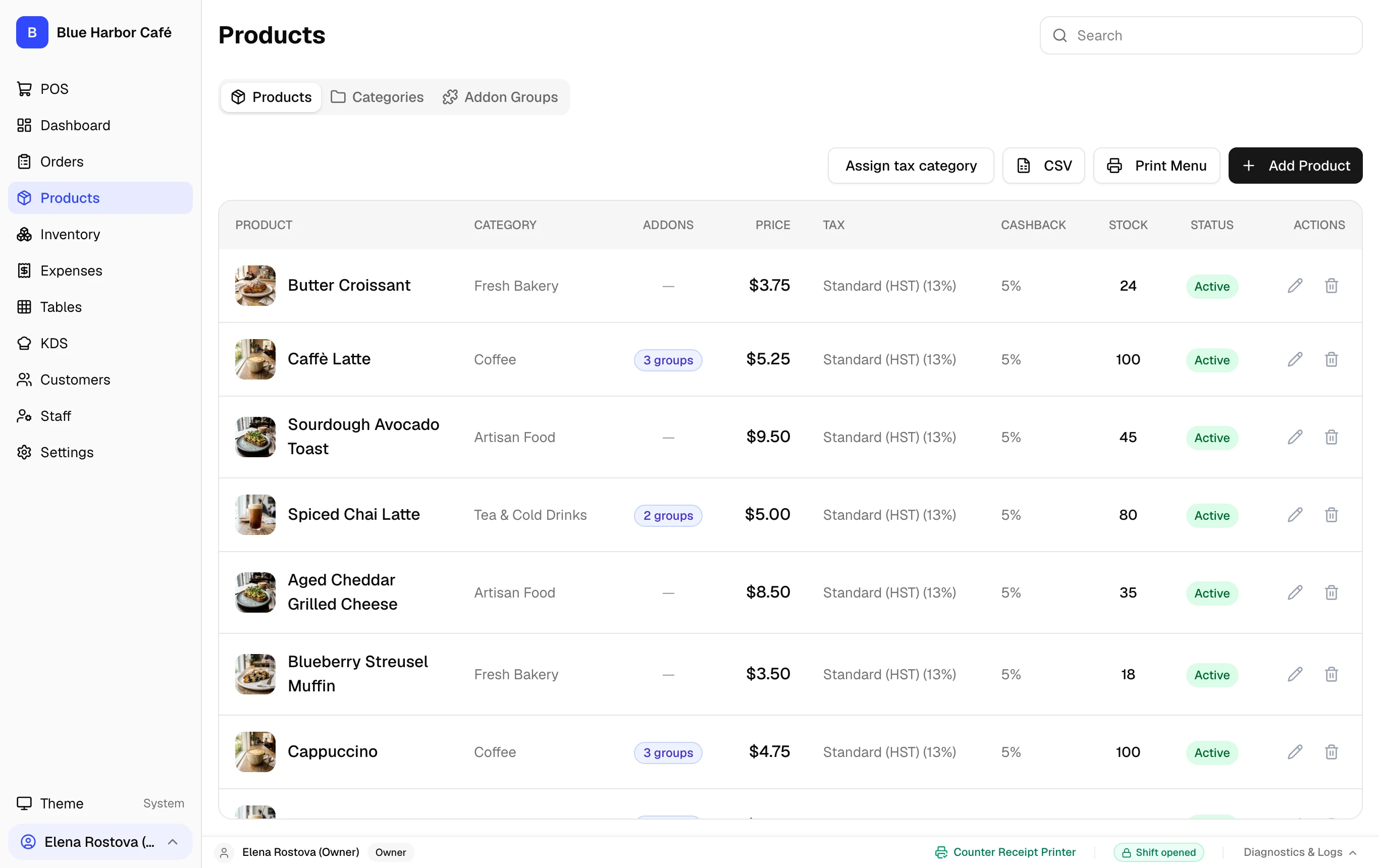
In the left sidebar, click Products. The category selector tab bar appears across the top.