
Prerequisites & Requirements
- Completed store setup wizard.
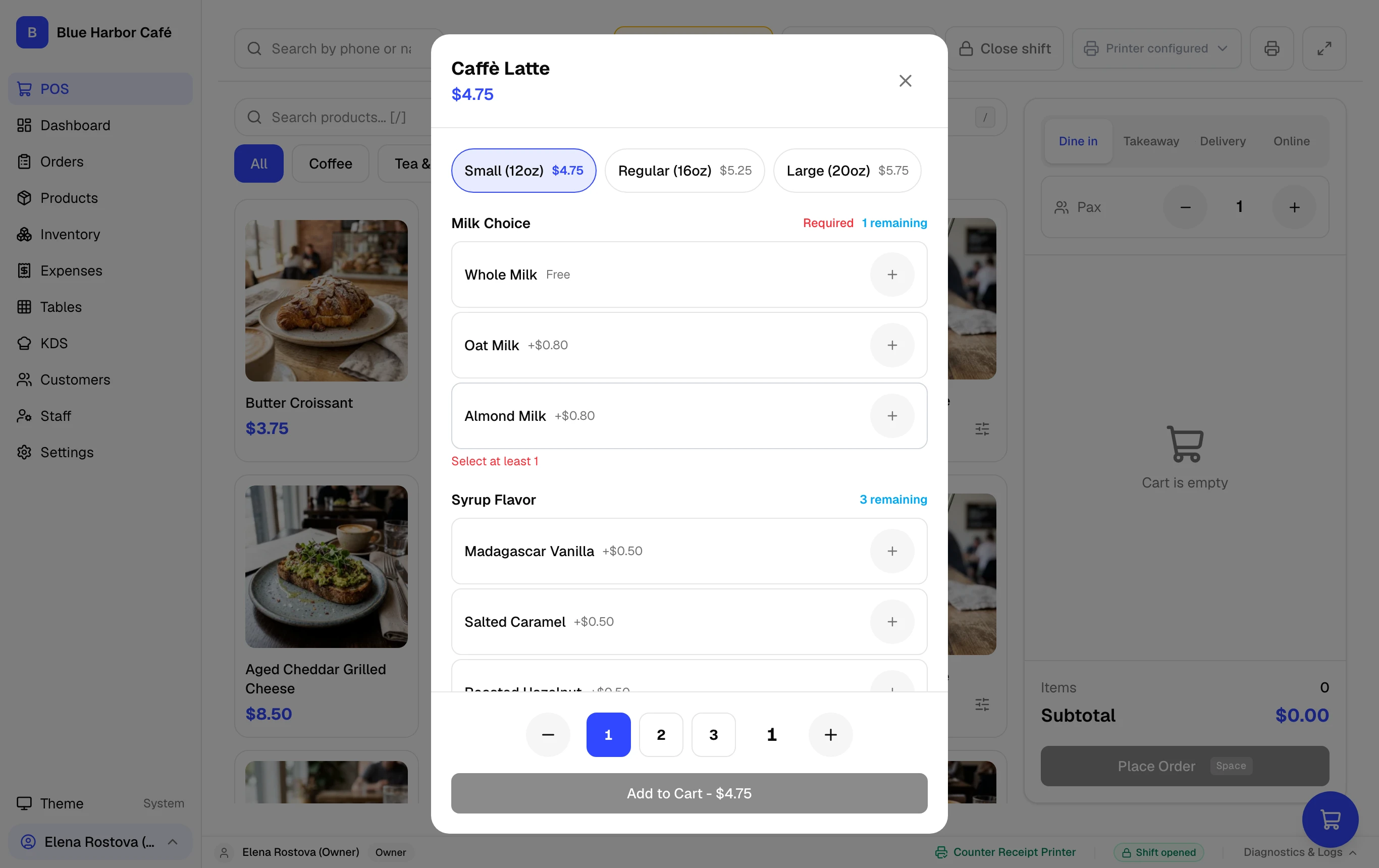
- At least one category and product created (or preloaded demo data).
Verify that your hardware, tax calculations, and cash drawer work seamlessly by running a complete end-to-end sale in FloCafe.
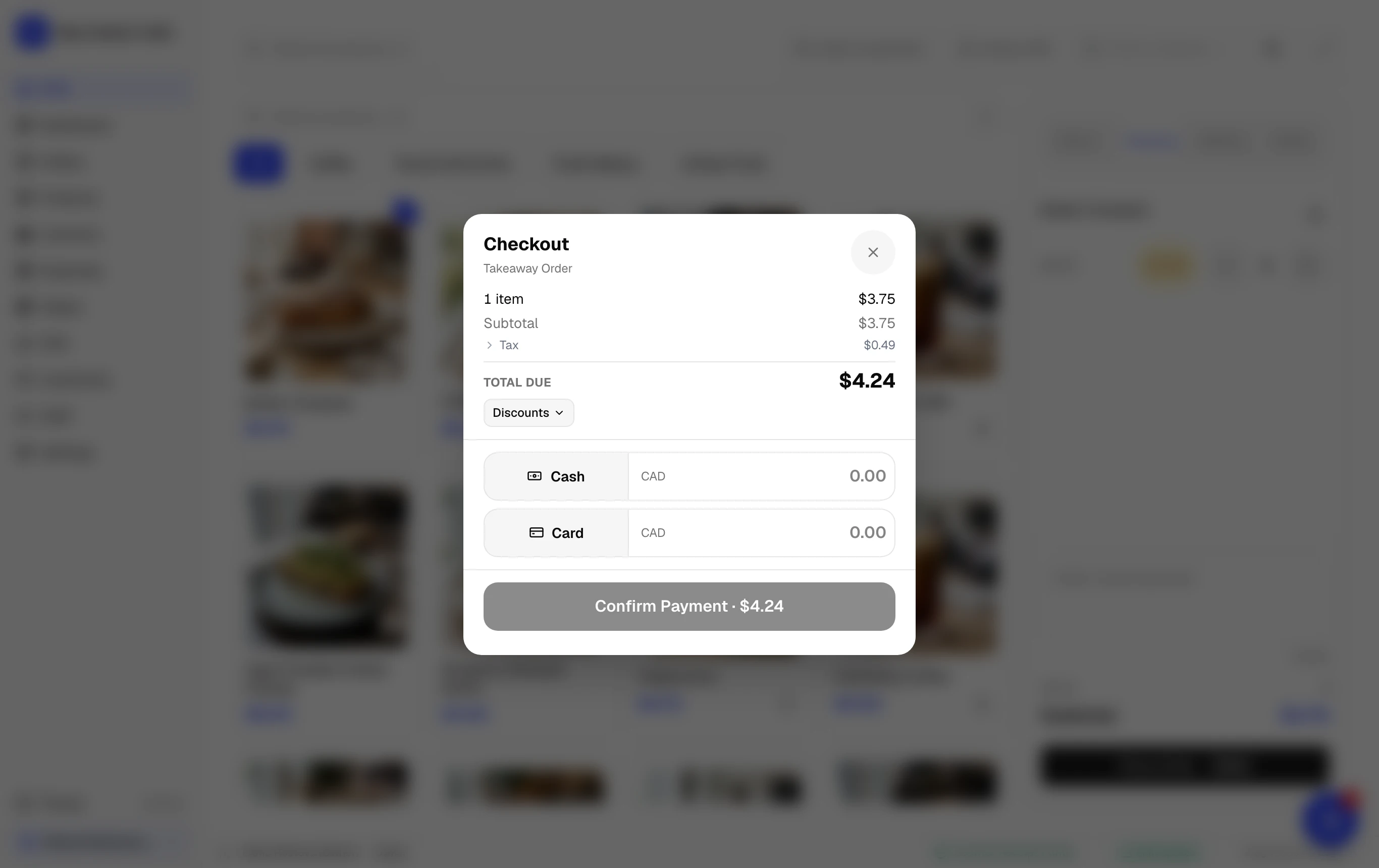
Step-by-Step Walkthrough
Follow these instructions in sequence to complete the setup:
1
Open the Daily Cash Shift
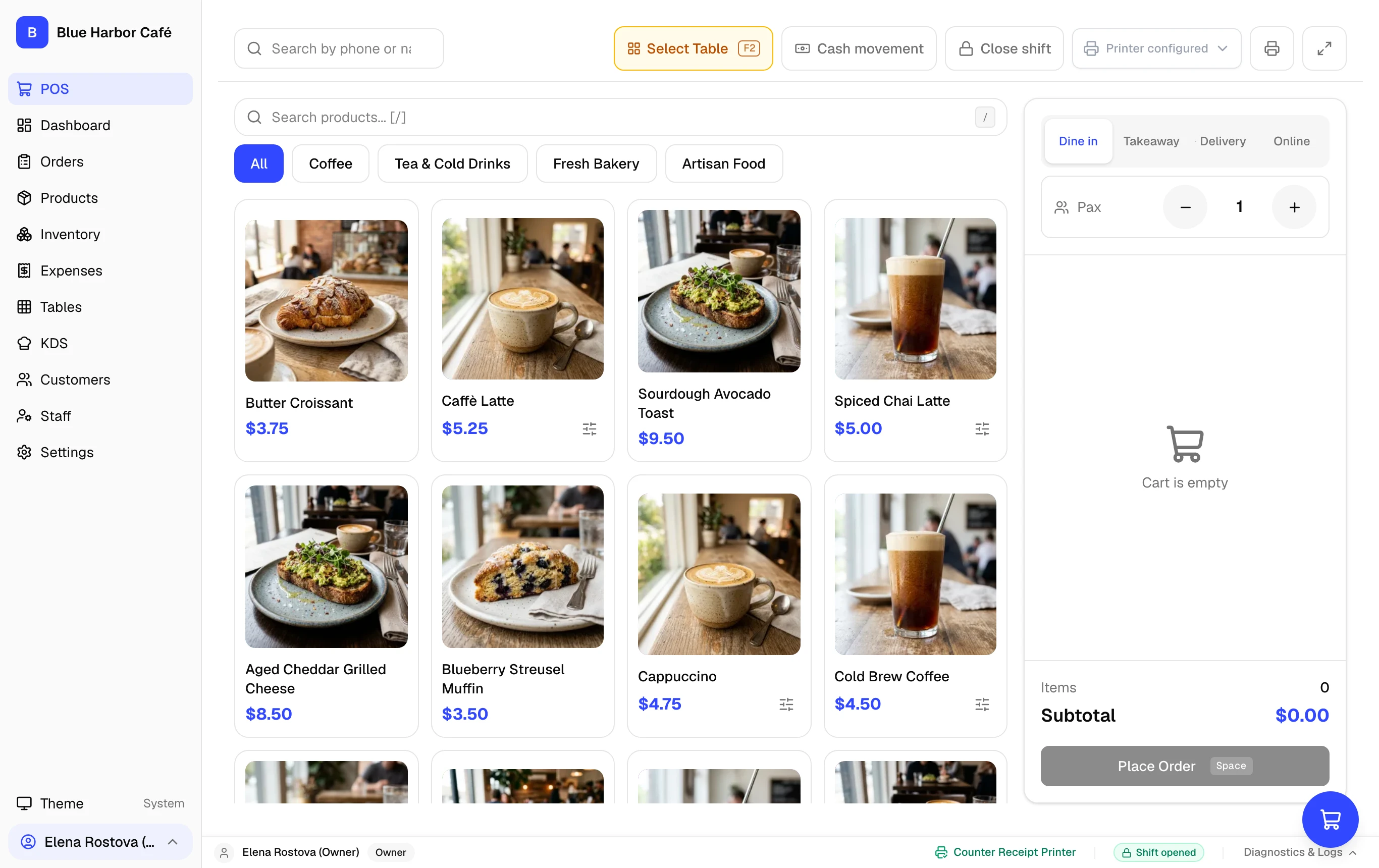
When shift tracking is enabled, FloCafe prompts you to open the cash shift. Count your cash drawer starting float (e.g. $200.00) and click Open Shift.
Keyboard Shortcuts Speed Up Counter Rush
Press Space to initiate checkout, F8 to hold an order, and Esc to dismiss modals.