
Prerequisites & Requirements
- Receipt printer with RJ11/RJ12 drawer port (looks like a telephone jack).
- Standard 24V cash drawer with matching RJ11/12 cable.
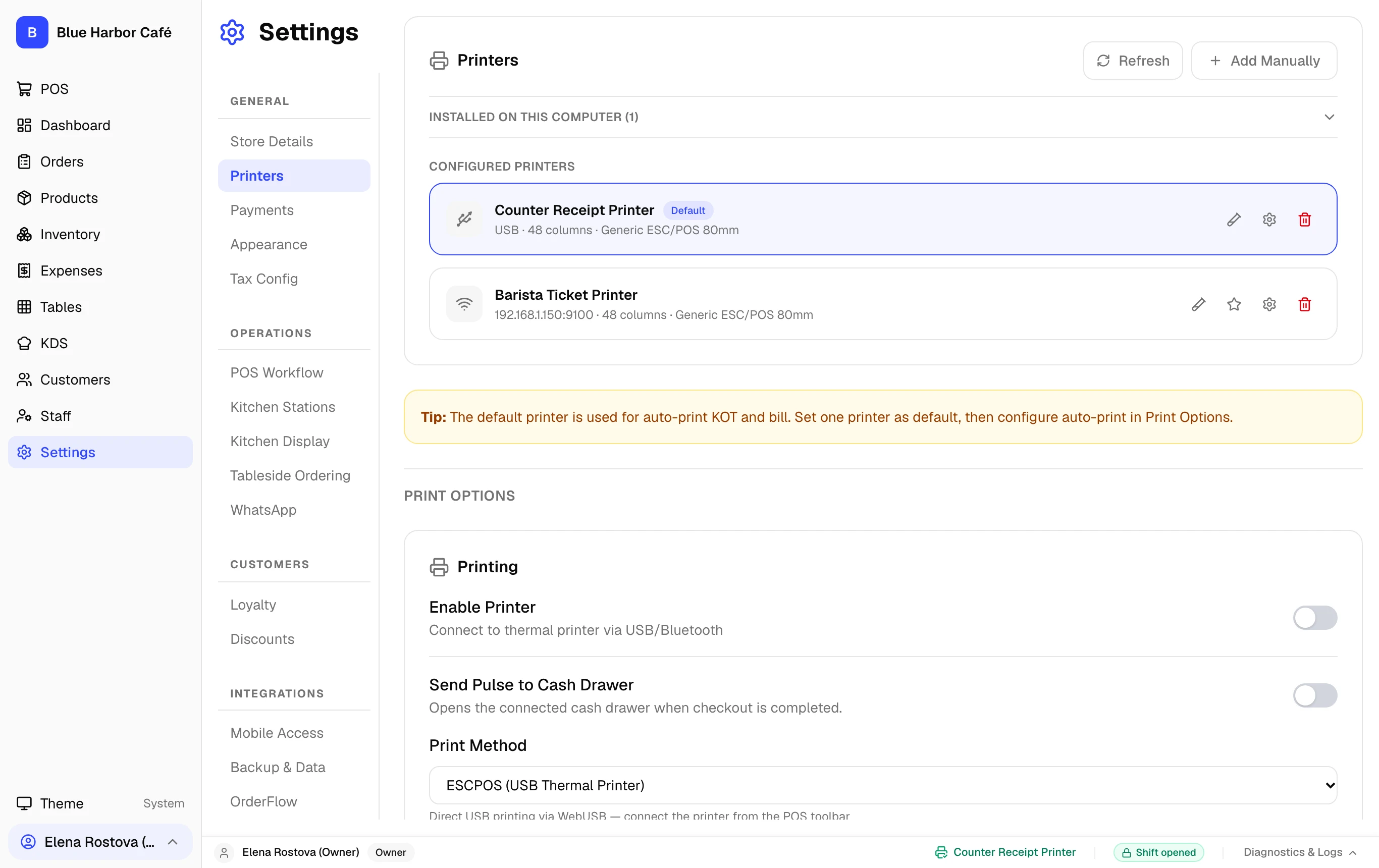
Cash drawers connect directly into the receipt printer. FloCafe sends the ESC/POS kick pulse (ESC p) during cash checkout and manual drawer open actions.
Step-by-Step Walkthrough
Follow these instructions in sequence to complete the setup:
1
Connect RJ11 Cable
Plug the cable from the underside of the cash drawer into the DK (Drawer Kick) port on the back of the receipt printer.