
Prerequisites & Requirements
- Active Google Account.
- Internet connection for cloud synchronization.
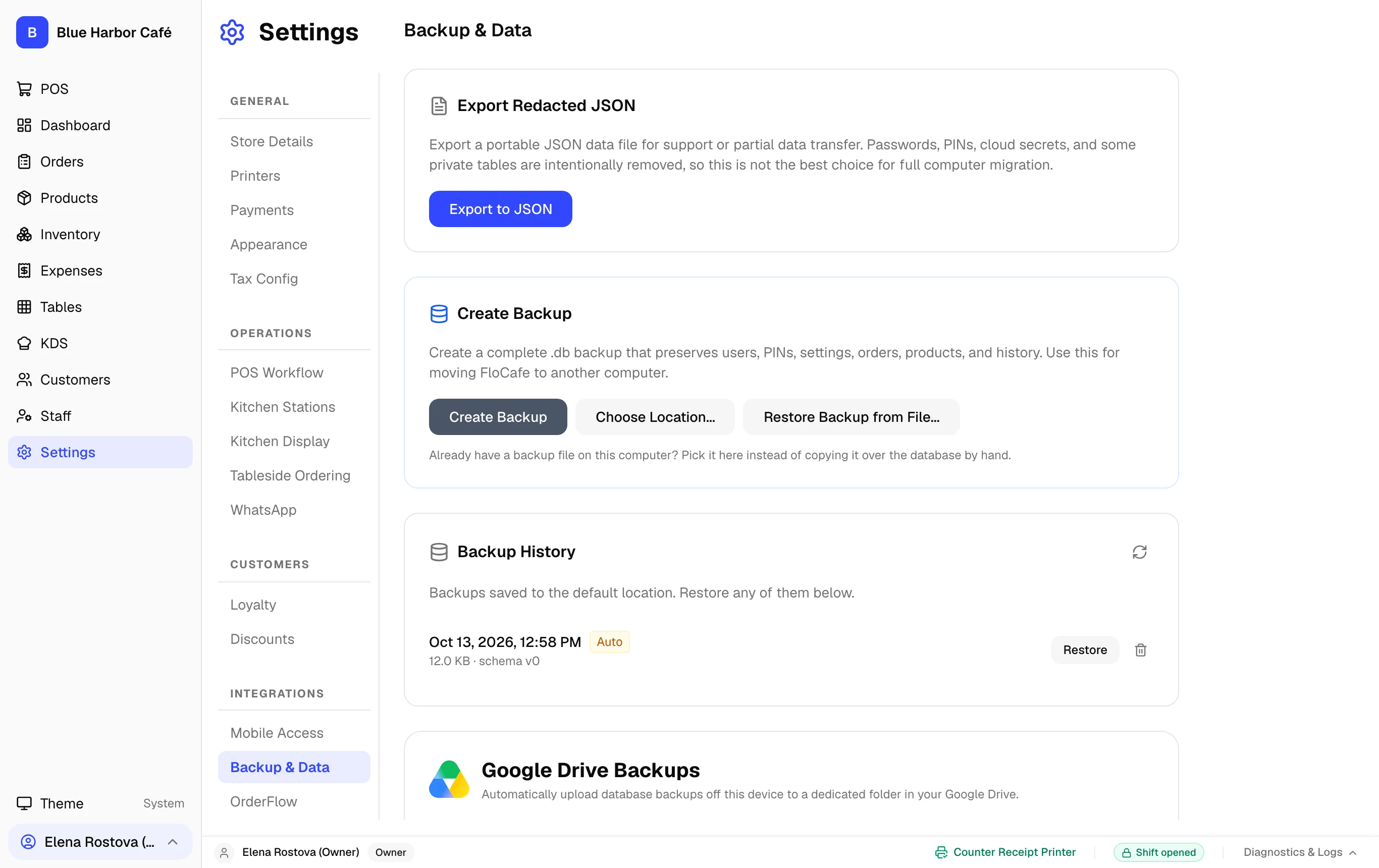
Protect your store against hardware theft, fire, or computer failure by enabling optional Google Drive cloud sync. FloCafe uploads a daily encrypted snapshot to your Google Drive.
Step-by-Step Walkthrough
Follow these instructions in sequence to complete the setup:
1
Connect Google Drive Account
In Settings > Database, locate the Google Drive Cloud Sync section. Click Connect Google Account.
Graceful Offline Handling
If your restaurant internet drops, FloCafe logs the cloud status as pending and syncs automatically as soon as internet connectivity returns.