
Prerequisites & Requirements
- FloCafe running on host computer.
- Waitstaff device (iPhone, Android, iPad) connected to the same restaurant WiFi.
FloCafe runs a dedicated lightweight Server Companion App on port 3003. Waiters take orders tableside on their phones, sending tickets directly to the kitchen without walking back to the counter.
Architecture & Workflow Diagram

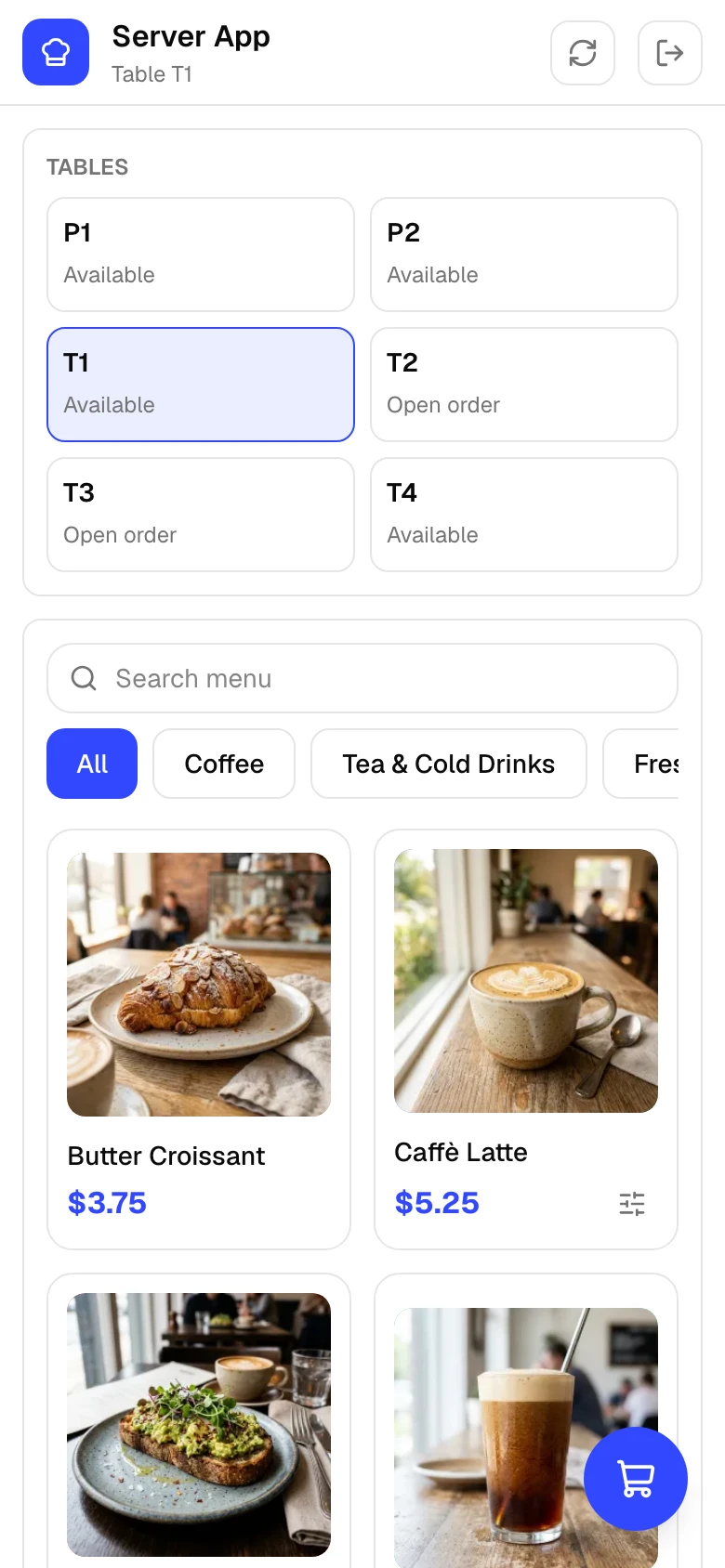
Step-by-Step Walkthrough
Follow these instructions in sequence to complete the setup:
1
Find Server App URL
In FloCafe on the host computer, open Settings > Mobile Access. Note the Server App URL (e.g.
http://192.168.1.100:3003/server-standalone).
Same WiFi Network Required
Because FloCafe is offline-first, mobile devices must be on the same local WiFi router as the main POS computer. Cellular data alone cannot reach the local server.