
Prerequisites & Requirements
- Receipt printer configured.
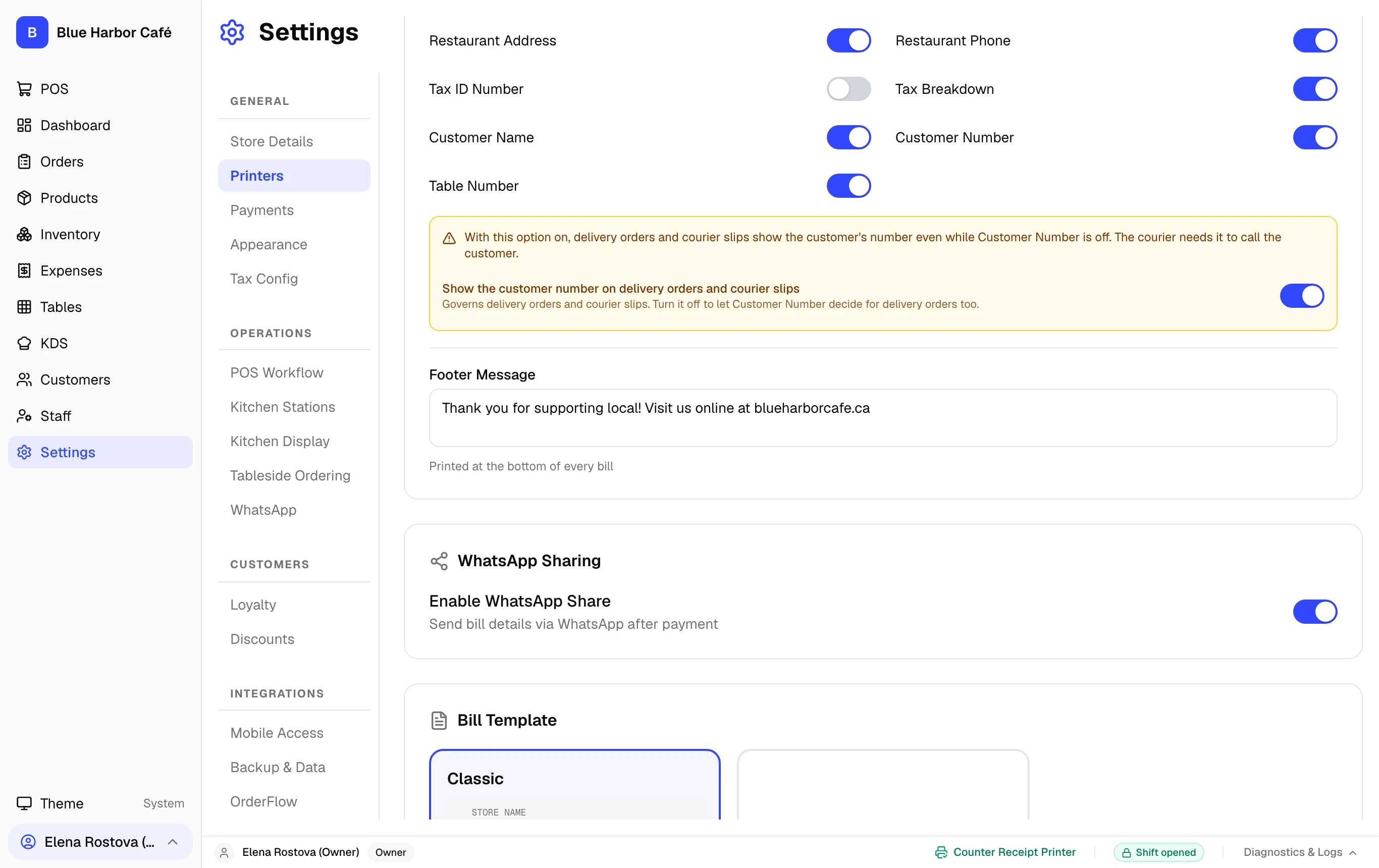
Design clean, professional receipts. FloCafe prints clear tax breakdowns, item modifiers, store contact details, and custom footer messages.
Step-by-Step Walkthrough
Follow these instructions in sequence to complete the setup:
1
Open Receipt Settings
Go to Settings > Store Details.